Front End Deploy
We will be deploying the front end of our Unit Node with Vercel.
The following steps all take place in the browser.
-
Go to https://vercel.com/unitcode and create a new project.
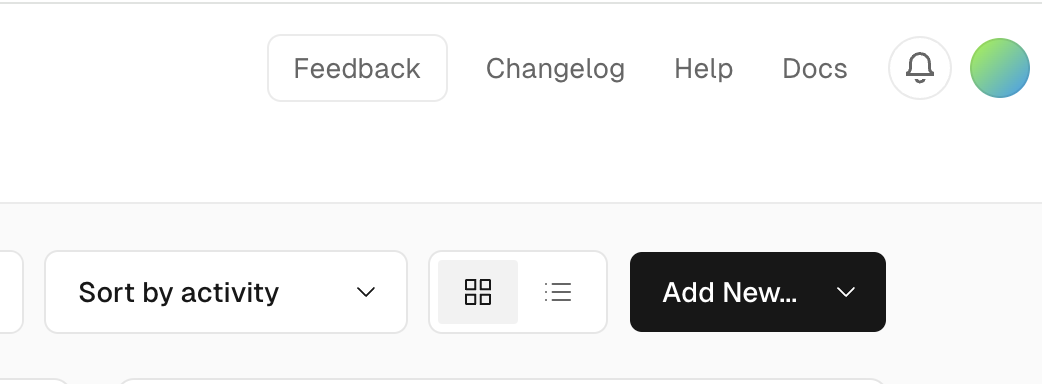
-
Import
Unit-Network-FrontEndrepo to your new Vercel project.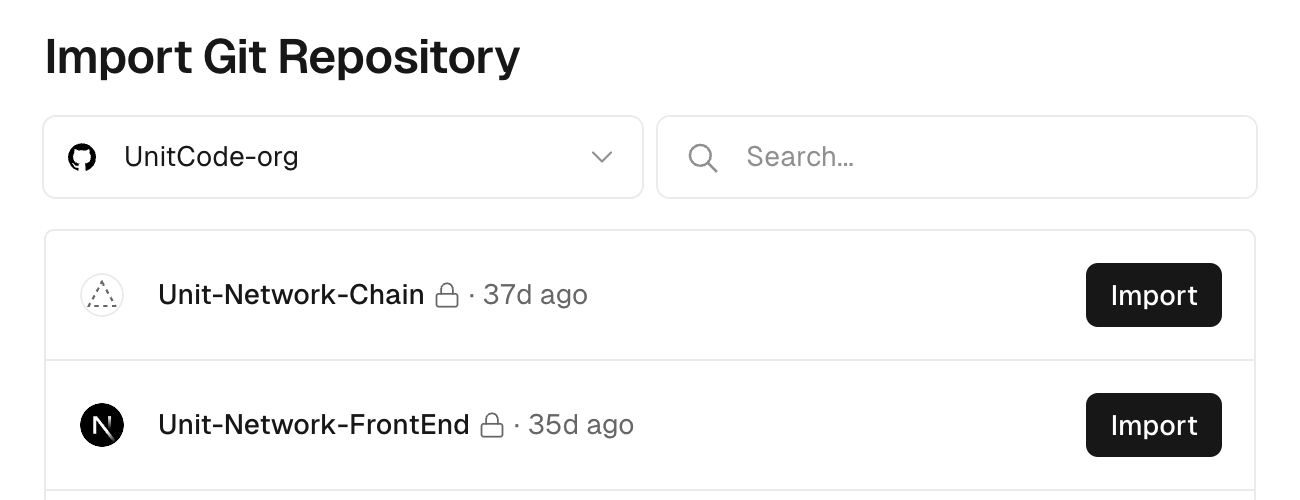
-
Name project then deploy. This will take several minutes.
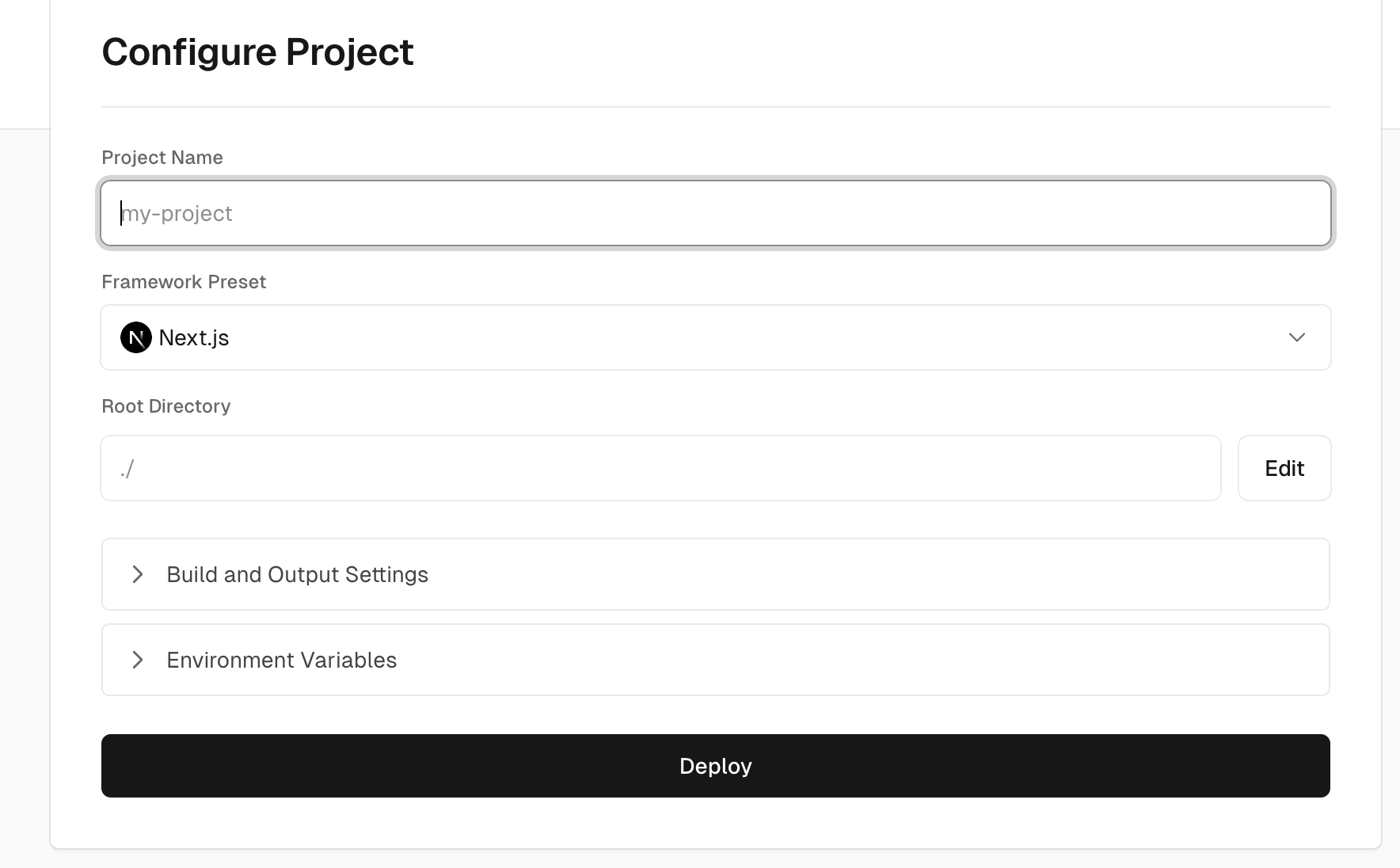
-
Go back to https://vercel.com/unitcode, locate your project tile, click
...and then selectsettings.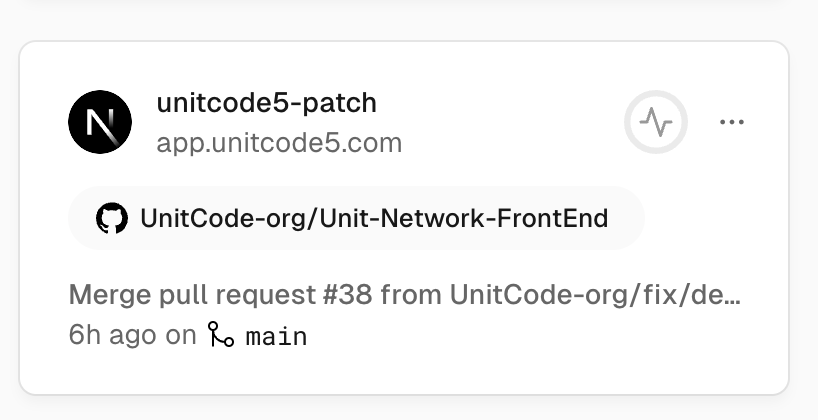
-
Select
Environment Variablesfrom menu. Include the following environment variable with the appropriate values for your deployment.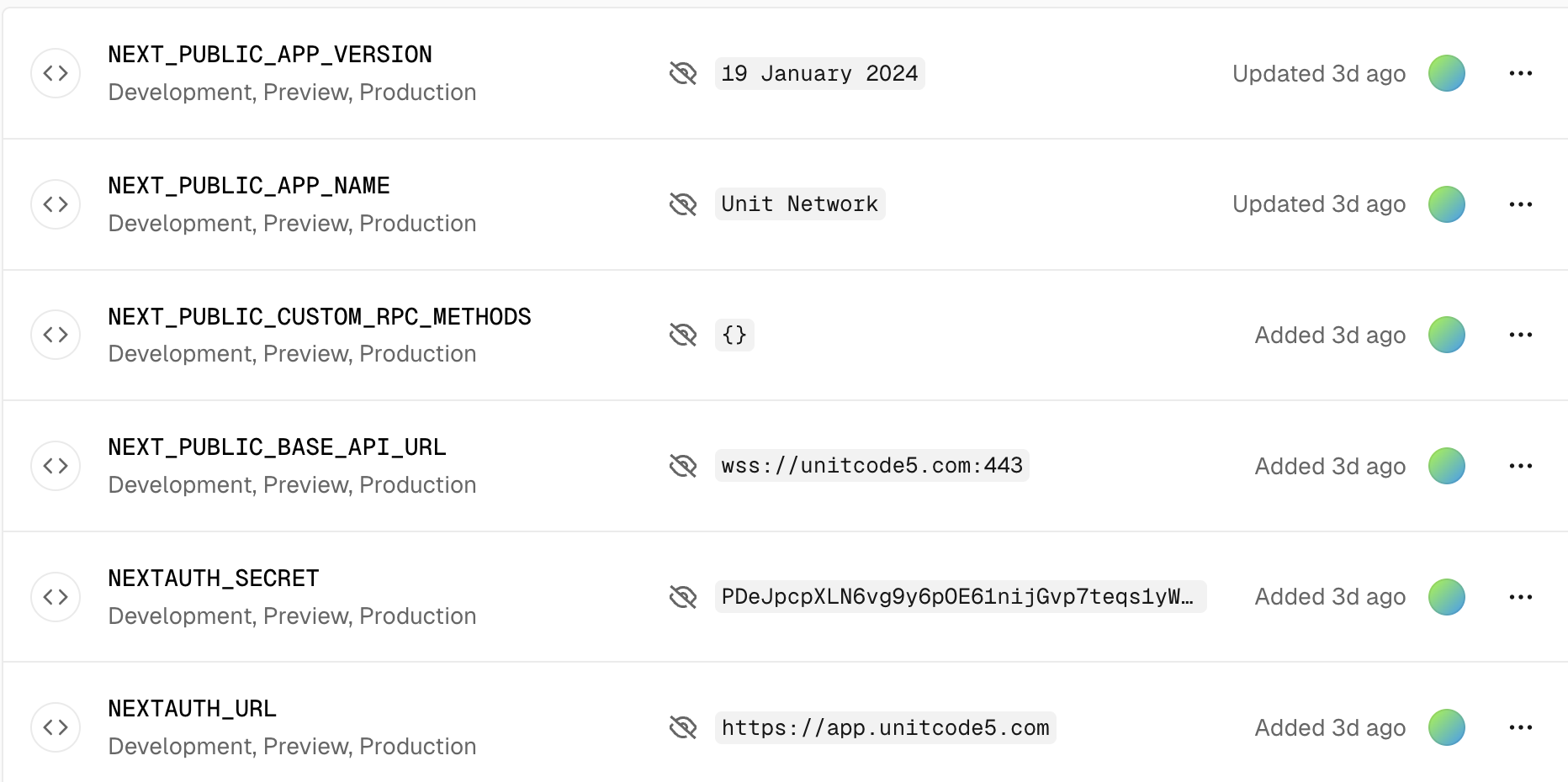
-
Go back to https://vercel.com/unitcode and click on your project name.
-
On your project page, click on the
Deploymentstab near the top left of the page, find your deployment from the list, click..., then selectRedeploy. If you do not redeploy, the environment variables you just added will not go into effect. -
You should now be able to visit your Unit Node's front end.
After you register an account and login, go to the Explore page and see if the tokens have prices, this will indicate the Oracle Worker is working.